
- Who sees it: a user with the “Manage Studio” permission. The owner and the admin have it by default.
- Where: Studio in the left menu
What it is
Every logistics team runs its own process, and most software asks you to rebuild that process around it. Studio works the other way. You describe which data you keep, what happens to it next, who does the work and where your team sees it. No developer needed.
You can also ask in words. Say “Build a tool to manage our parcel lockers and shipments”, and Architect sets up the data, fields and screens around your process. It shows you the proposed changes and applies them only after you confirm.
What you can do
| Goal | What you get |
|---|---|
| Keep your own records | Data models for shipments, carriers, customers or anything else your process tracks |
| Take routine steps off your team | Workflows that start on an event and hand each step to a person, a Digital Worker or a connected system |
| Give work to AI | Digital Workers set up for one job, such as collecting quotes or processing documents |
| Collect data from customers and carriers | Forms that put every submission on the right record |
| Give each role its own screen | Interfaces with the records and actions that role needs |
| Work with the tools you already use | 100+ integrations, plus your own, and AI assistants such as Claude or ChatGPT |
How it fits together
- Data models: define what each type of record holds
- Workflows: connect the steps of a task, from the event that starts it to the result
- Superpowers: set what a Digital Worker is allowed to do
- Digital Workers: take a responsibility and ask a person where a decision is needed
- Interfaces and forms: show the work to your team and let other people add to it
- Integrations: bring in the systems that hold the information your process needs
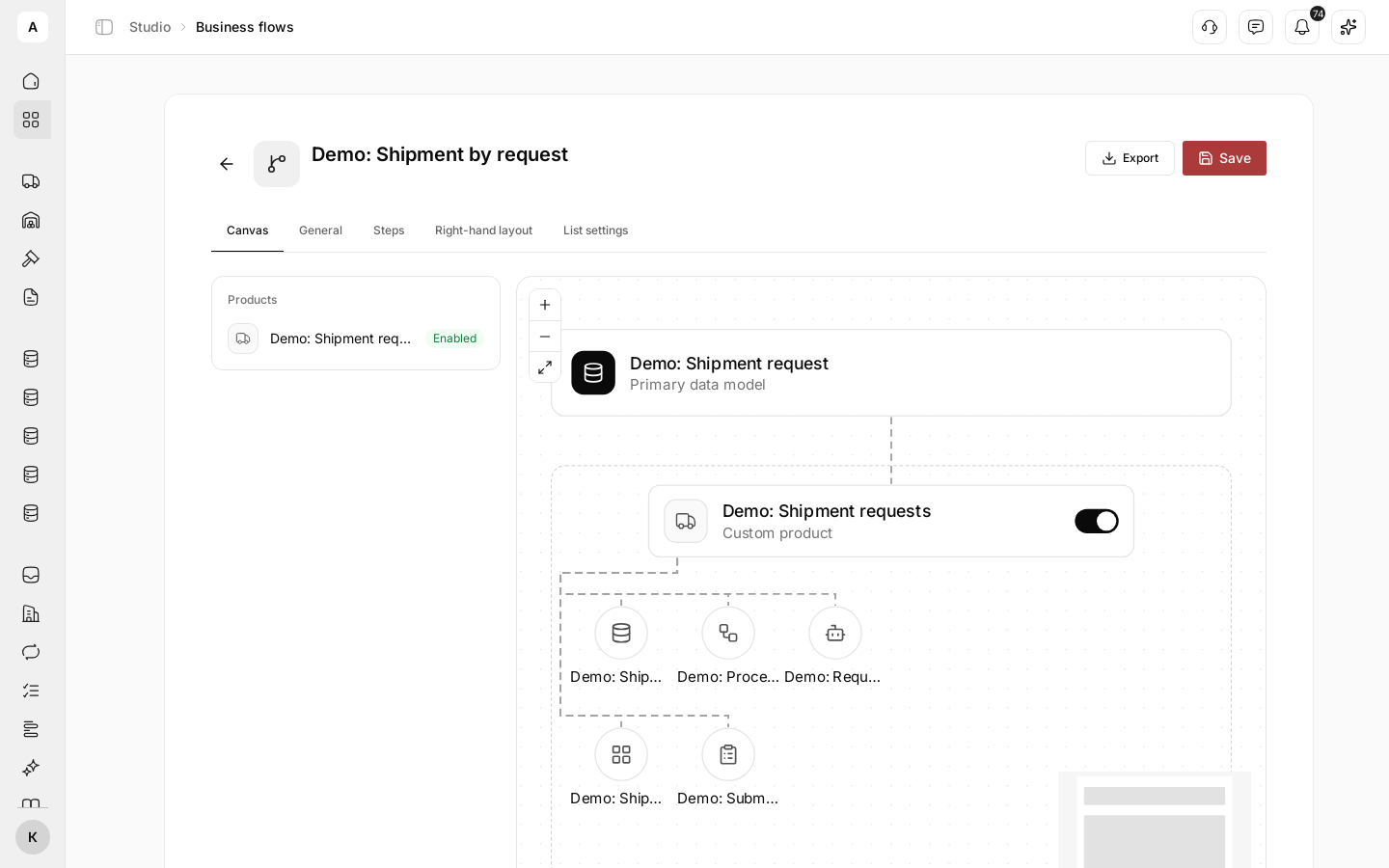
- Products and business flows: put the building blocks together into one end-to-end process
Next steps
Define which data you keep and how records link.
Automate the steps between an event and a result.
Set up an AI worker for one job.
Decide what a worker can do.
Build a working screen for each role.
Collect data by a link.
Connect your systems and channels.
Turn on ready products or assemble your own.
Run one process from request to delivery.
Show us how the work gets done today. We map the data, steps and responsibilities and walk through a setup that fits your operation.