
- Where: Studio › Data models
What it is
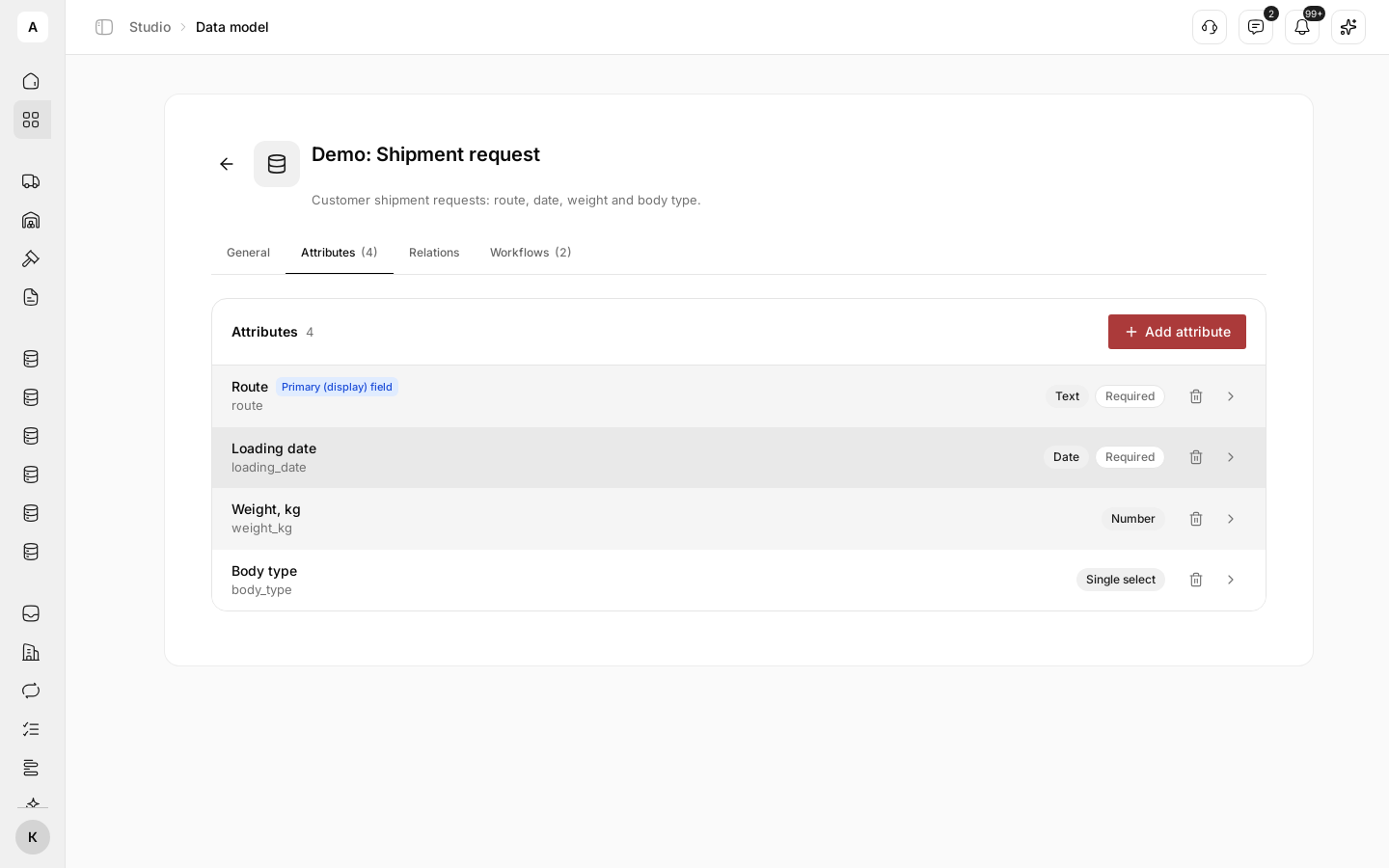
Spreadsheets drift: one dispatcher writes the weight in tonnes, another in kilograms, and the temperature requirement lives in a comment. A data model fixes what every record of one type holds. A shipment carries its route, dates and status. A carrier record holds the company’s details, documents and contacts. Every person and every Digital Worker reads the same fields.
Need something new? Add a field, such as a temperature requirement, or define a model for a different type of record.
What you can do
| Goal | What you get |
|---|---|
| Track something the platform does not have | Your own record type with the fields you choose |
| Keep data clean | Required fields and fixed lists of options, so a record cannot be saved half-filled |
| See the full picture | Links between records: a request with its customer, a customer with all its requests |
| Know who changed what | A history on every record, for people, Digital Workers and connected systems |
| Let the platform react | A new or changed record can start a workflow |
How it fits together
- Fields: text, numbers, dates, lists, files, locations and team members
- Relations: connect records of two models, one to one or one to many
- Records: created by your team, by a form, by a workflow or by a Digital Worker
- Menu item: put a model in the left menu so the team opens its records in one click